Hello,
I have downloaded the formula-carmaker-fs_2025 file from the IPG Site, but i cannot run the TestRuns from the FS_race files. It shows an error. Where should I place the folder FCM_Projects to be able to run everything that it has inside?
Thanks for the help!
Hello @fcm.user_26,
simply create a project folder with CarMaker (Main GUI > File > Project Directory > Create Project…) and afterwards copy the content of the downloaded project folder (for example the folders you find in FS_race) into your created folder.
Best regards,
Laura
Hello @laura.kitz ,
Thank you for the advice. I tried what you said but when I try to open a TestRun (for example Skidpad) from the folder Competition, it shows up this error. Any idea of what I am doing wrong?
Thank you for your help again!
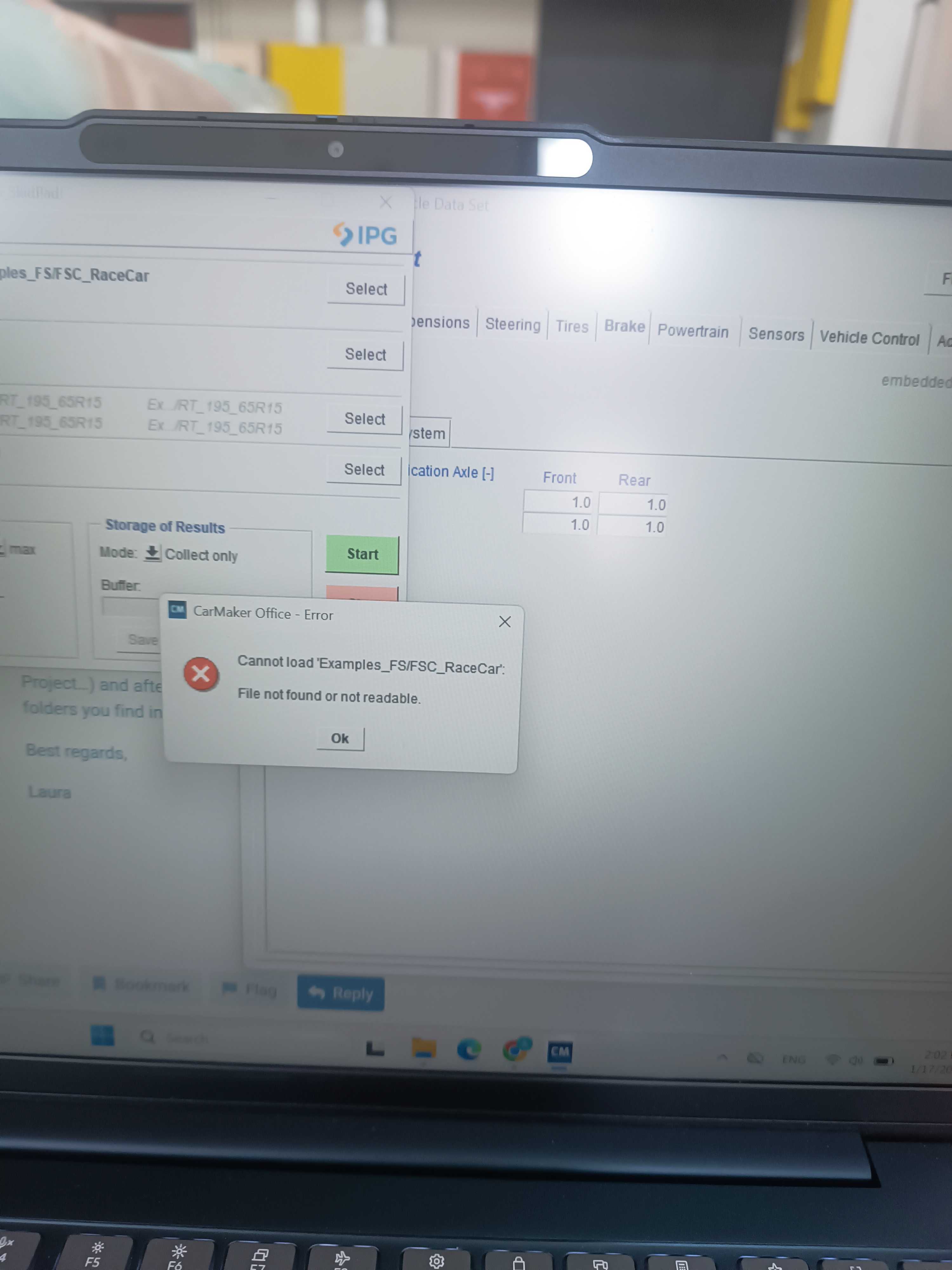
Hello @fcm.user_26,
that´s a bit strange. When I just tested it again on my PC, it was working. Could you please describe step by step what you´re doing? Thanks!
Hello @laura.kitz ,
so, first of all I have downloaded the formula_carmaker-fs_2025 from the site. I unzip it (in the downloads) and then I go to the FCM_Projects→Fs_race and copy everything that it is inside this file(src,Data…etc).Then I go to the Main GUI and I create a project (Main GUI > File > Project Directory > Create Project). When the folder is created I go Main GUI > File >Open and in the area where it shows what is inside the folder of the project, I press right click>start file manager and I paste every file that I said before. Then I go again, Main GUI > File >Open and inside the project [Data/TestRun] I go Data>TestRun>Competition>FS_Skidpad and it shows me this error. Also if I try Open FS_Endurance it shows me this error that I show you right here and then again the one that i said the previous time (Examples_FSC_RaceCar….etc).
Thank you for your time and help!
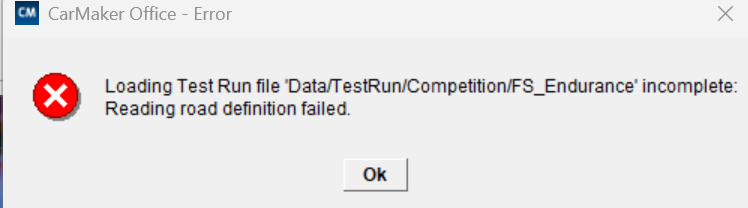
Hello @fcm.user_261,
I guess you pasted the FCM examples into one of the sub-folders and therefore the software can´t find the files where they should be.
“When the folder is created I go Main GUI > File >Open and in the area where it shows what is inside the folder of the project, I press right click>start file manager and I paste every file that I said before.” → this step opens the file manager in the TestRun folder (> CM_Projects > … > Project folder > Data > TestRun). But the files need to be pasted into the project folder.
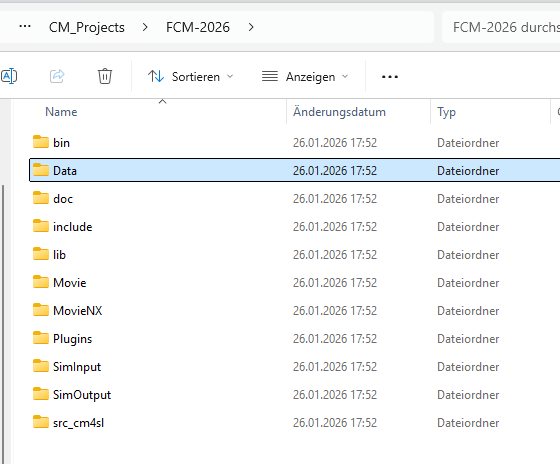
Please let me know if this helps.
Best regards,
Laura
Hello @laura.kitz ,
It worked! I can run everything without any error. Thank you so much